Low-Fi Prototype
This clickable Figma prototype was used to test the core exploration flow at an early stage. It connected the map, check-in, collection, and message wall screens, helping the team validate whether the interaction logic was understandable before moving to the high-fidelity prototype.
Low-Fi Prototype & Interaction Flow
Screen Preview
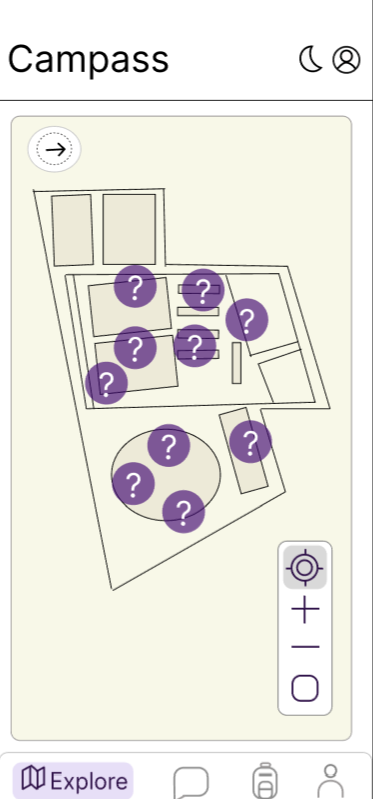
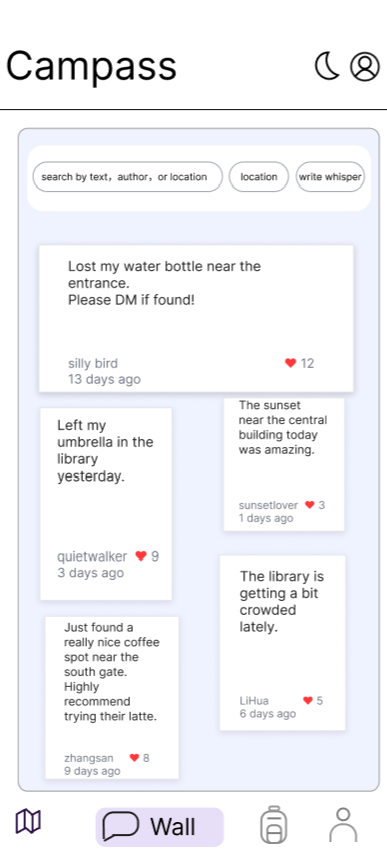
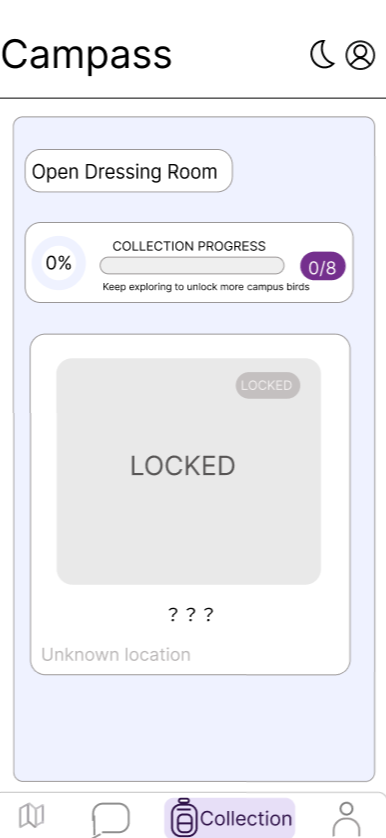
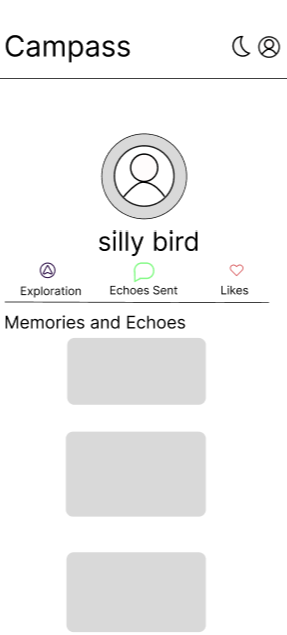
Prototype Link
Open Clickable Figma Prototype
Best viewed in a desktop browser or via the Figma mobile app.
Purpose
To quickly test the core interaction flow before developing the high-fidelity prototype.
Main Tested Flow
- Open campus map
- Select a location
- Unlock clue
- Complete check-in
- AR interaction
- Open collection or View message wall
Design Focus
- Clear navigation between pages.
- Simple and understandable check-in interaction.
- Early validation of playful exploration flow.